Hold Fn
Start dictation with the native Mac Fn key.  can stay quietly in the menu bar.
Private Mac dictation you own · 100% Free
Hold Fn, speak, release. Powered by a high-performance native Rust core and whisper.cpp, transcribes locally on your Mac and pastes
wherever your cursor already is with near-instant speed. 100% free software — no license key, no cloud transcription, and no monthly meter.
Core loop
is designed for the moment you are already writing, not for uploading files or managing a cloud account.
Start dictation with the native Mac Fn key. can stay quietly in the menu bar.
Say the words you want to place into the current app. handles local transcription on this Mac.
Your transcript lands in the app you were already using: Mail, Notes, chat, editors, or AI prompts.
Interactive Simulator
Click and hold the virtual fn key button below (or press and hold the physical Fn key on your Mac keyboard) to speak. Release it to auto-paste the transcription.
Use it everywhere you type
does not ask you to move into a writing dashboard. It listens locally and places faithful text into the app you were already using.
tell the team i checked the accessibility flow and the app now opens as a proper Mac settings window
pastes
tell the team i checked the accessibility flow and the app now opens as a proper Mac settings window
Actual app
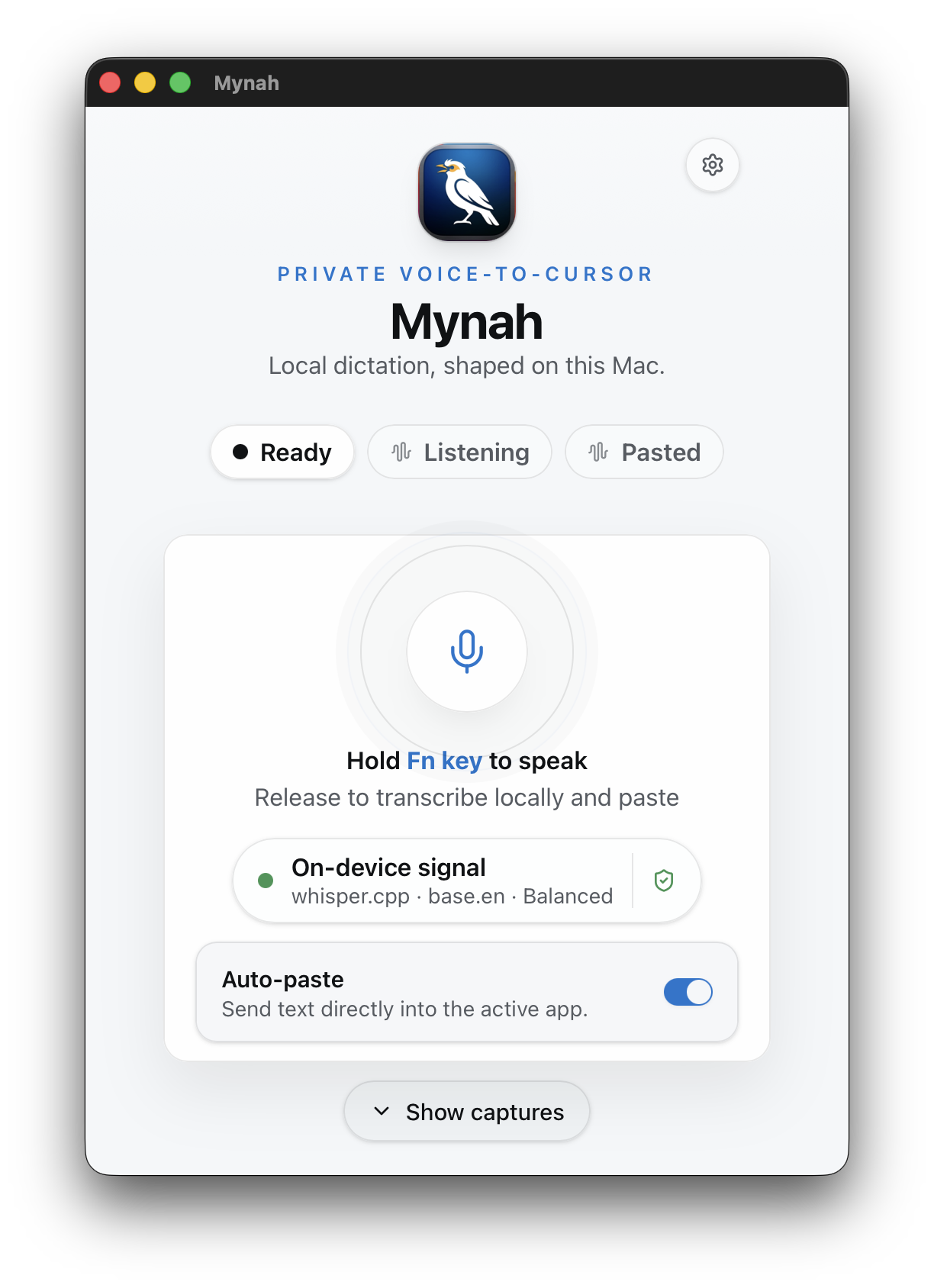
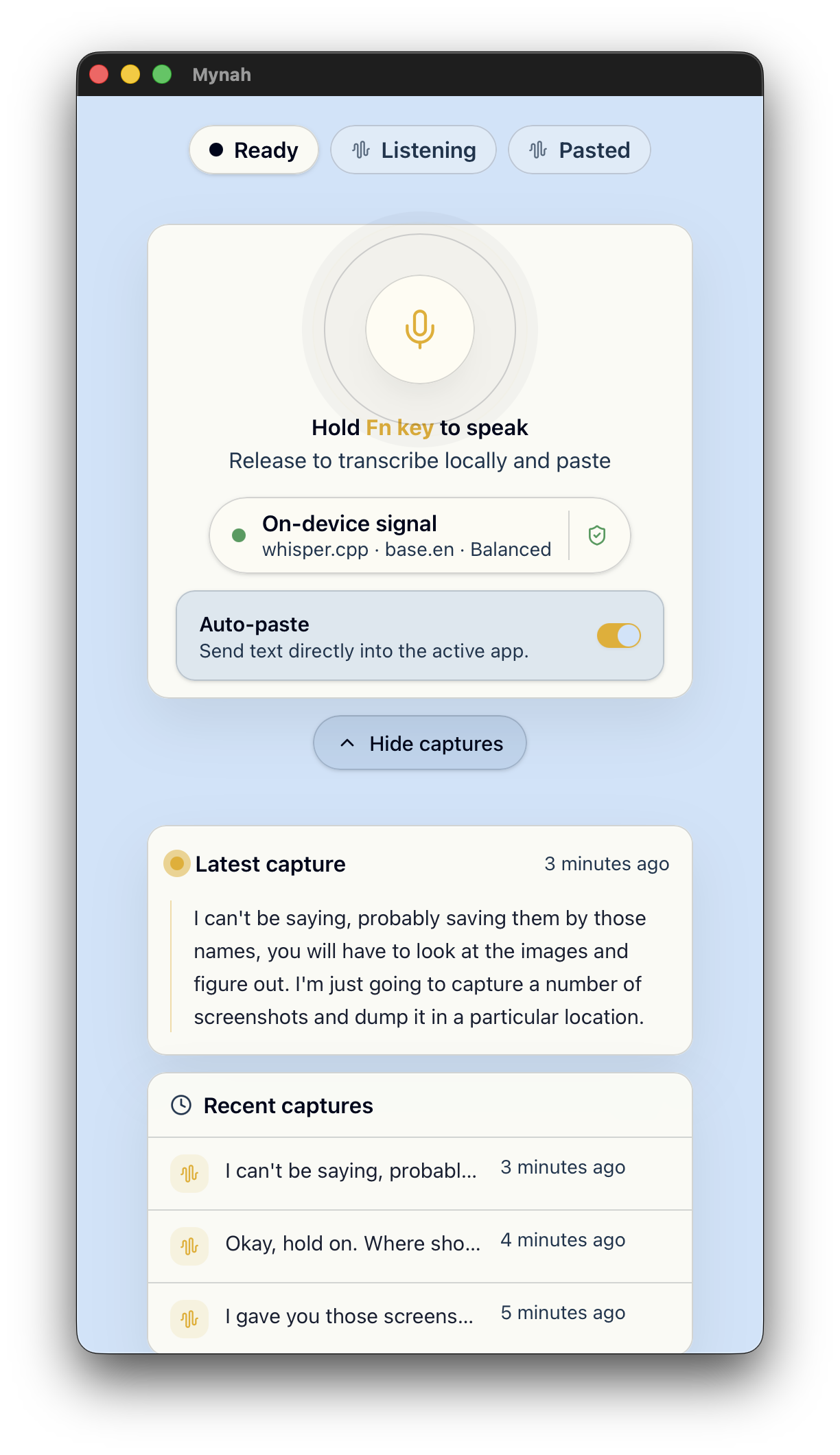
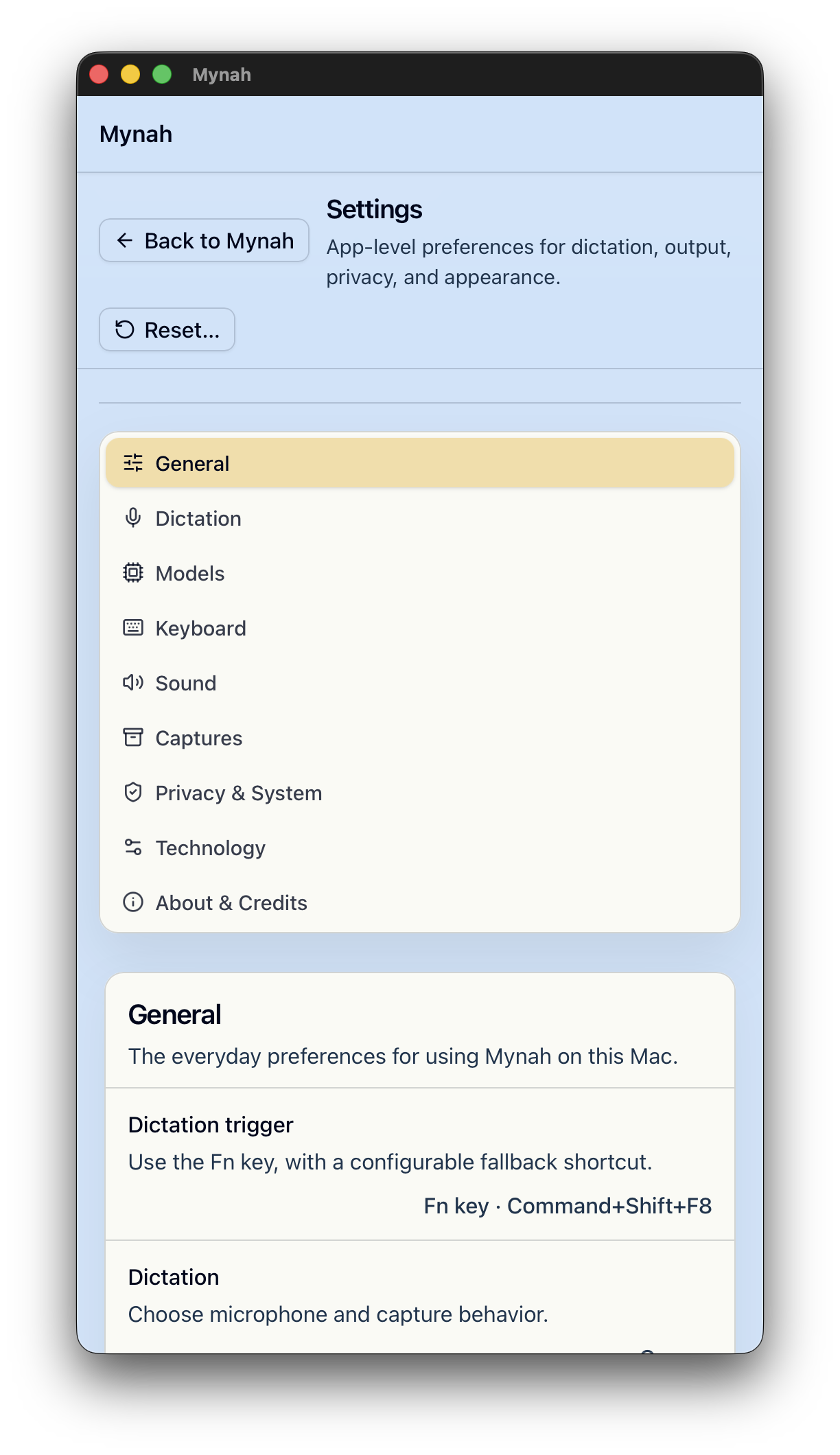
The main surface is intentionally compact: status, local model, paste behavior, and your recent captures when you ask for them.
Local control
Cloud dictation can be powerful, but it often asks you to send voice data away.
is built for the opposite feeling: speak privately, process locally, paste deliberately.
Mac-native where it matters
Lock-free ring buffer streams audio directly to whisper.cpp worker threads for instant results.
Never throttled by macOS in the background. Ready to transcribe the moment you press Fn.
Hold, speak, release. A daily Mac reflex instead of a slow mode switch.
Pastes transcribed text directly at your cursor without wiping your existing clipboard.
Launch trust
Mynah 1.0.0 is a proper signed, notarized, and stapled Mac release for direct download.
Product Roadmap
Mynah is built for local control, tuning capabilities specifically for the macOS ecosystem.
Current Capabilities
Mynah already gives you ultra-fast local Mac voice typing: hold Fn, speak, release, and paste into the app you are using. Powered by a native Rust engine, transcription runs on local engines, diagnostics stay on-device, and no cloud provider is required.
Coming Next Roadmap
The next major Mynah release adds local writing modes. Dictate stays verbatim, while Clean Ramble, List, and Prompt help shape spoken thoughts before paste. On supported Macs, Apple’s on-device models may enhance results automatically. When unavailable, Mynah falls back to deterministic local rules.
100% Free Software
Mynah is completely free for everyone. No license key, no trial expiration, no accounts, and no monthly credit meter. Download it, install your favorite local Whisper model, and dictate without limits.
Download Mynah directly for your Mac. Runs 100% offline with whisper.cpp on Apple Silicon and Intel.
Questions
Yes, Mynah is 100% free software. No license keys, no trial expiration, no subscription, and no hidden fees. Just download and use.
Mynah is built with a high-performance native Rust core. Audio is streamed through lock-free ring buffers directly into whisper.cpp worker threads without web-bridge overhead, and macOS App Nap prevention guarantees background dictation never throttles.
No. The core dictation loop runs 100% locally on your Mac. Audio and transcription are processed on-device using engines like whisper.cpp. No cloud transcription or account is required.
No. Mynah is not a subscription and requires no accounts. All features and future updates are completely free.